Channel Product Mapping & Multi-platform Stock Sync
When selling across multiple platforms (Shopee, TikTok Shop, Facebook), marketplace SKU codes often differ from internal system SKUs. The Channel Products Mapping feature resolves this mismatch.
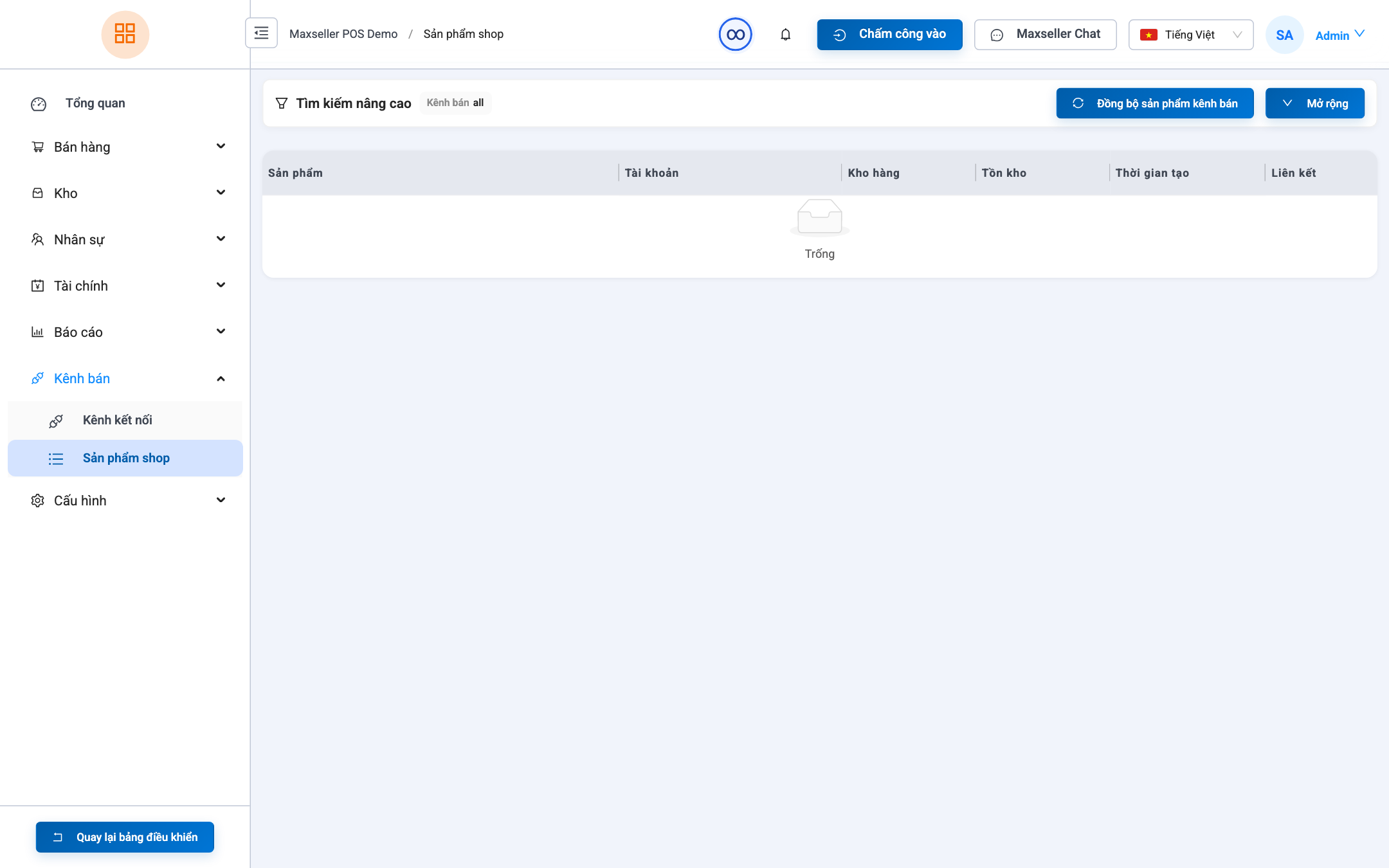
1. Product Mapping
Path: Channels ➔ Channel Products (path /channel-products).
Mapping Steps:
- Select the store (e.g., TikTok Shop - MaxSeller Store).
- Click Fetch Products from Marketplace.
- On each product row, click Link to POS Product:
- Select the corresponding SKU variant in the MaxSeller warehouse.
- Click Save Mapping.
2. Automated Stock Synchronization
- When an order arrives from TikTok/Shopee: The order is pulled into MaxSeller ➔ Linked master SKU stock decrements automatically.
- When new stock arrives in MaxSeller: The updated available quantity is pushed to TikTok Shop and Shopee in real-time.
- Overselling Protection: When stock hits 0, MaxSeller updates all channels to out-of-stock, avoiding marketplace cancellation penalties.