Customer & Supplier Debt & Credit Management
Systematically track Accounts Receivable from wholesale customers/distributors and Accounts Payable owed to factories and suppliers.
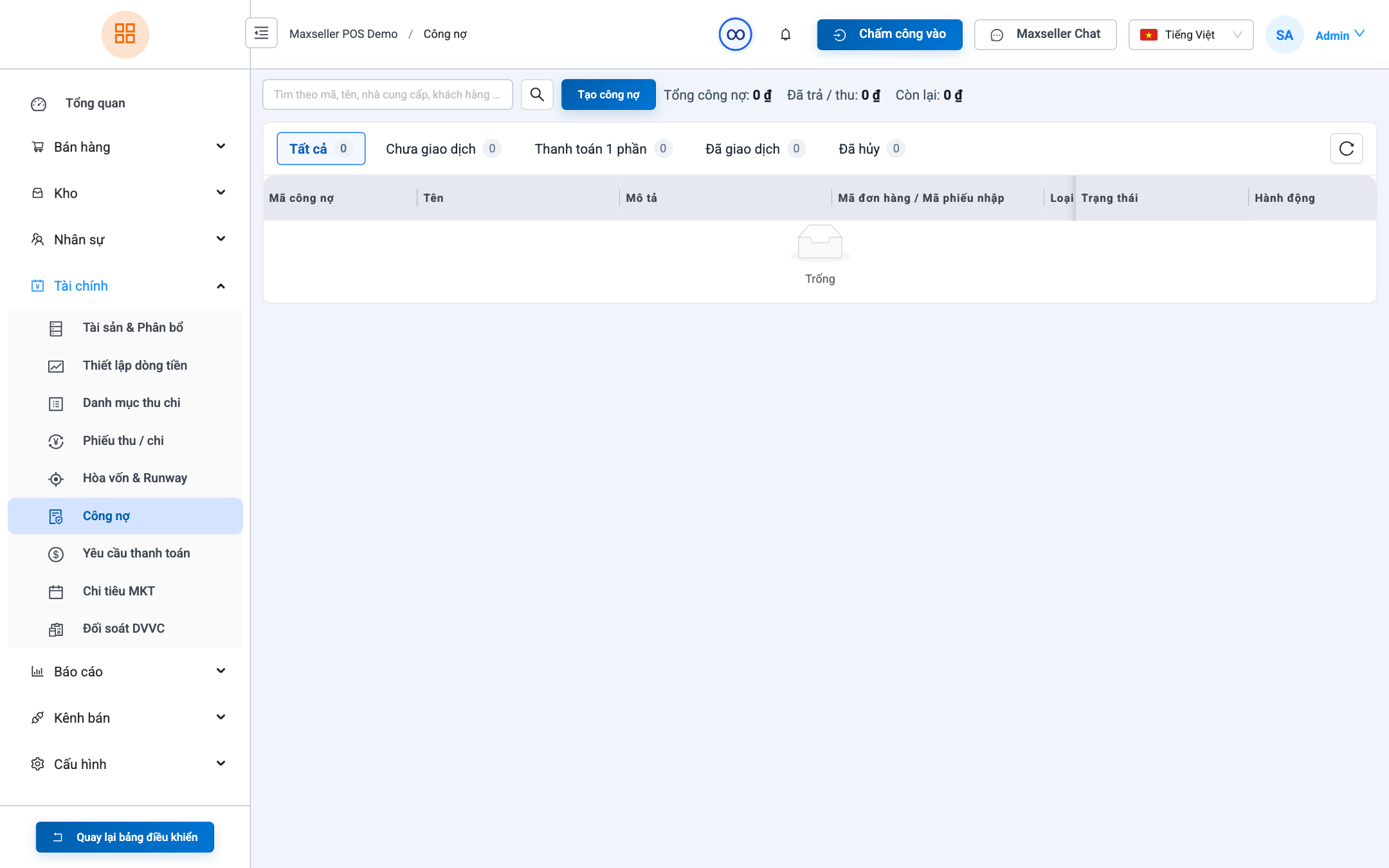
1. Accounts Payable - Suppliers (Payables)
Path: Finance ➔ Debts ➔ Suppliers tab.
- Automated Debt Accrual: Every unpaid stock-in receipt automatically credits supplier balance payable.
- Settling Supplier Debts:
- Select target Supplier.
- Click + Settle Vendor Debt.
- Enter payment amount, choose debit account, and click Confirm. Generates a Payment Voucher automatically.
2. Accounts Receivable - Customers (Receivables)
Path: Finance ➔ Debts ➔ Customers tab.
- Track outstanding balances owed by wholesale distributors.
- When customer remits payment: Click + Collect Customer Debt ➔ Generates a Receipt Voucher and reduces customer balance.