Sales Channels Integration (TikTok Shop, Shopee, Facebook)
MaxSeller connects directly via official APIs with leading e-commerce platforms and social networks, unifying sales operations into a single control panel.
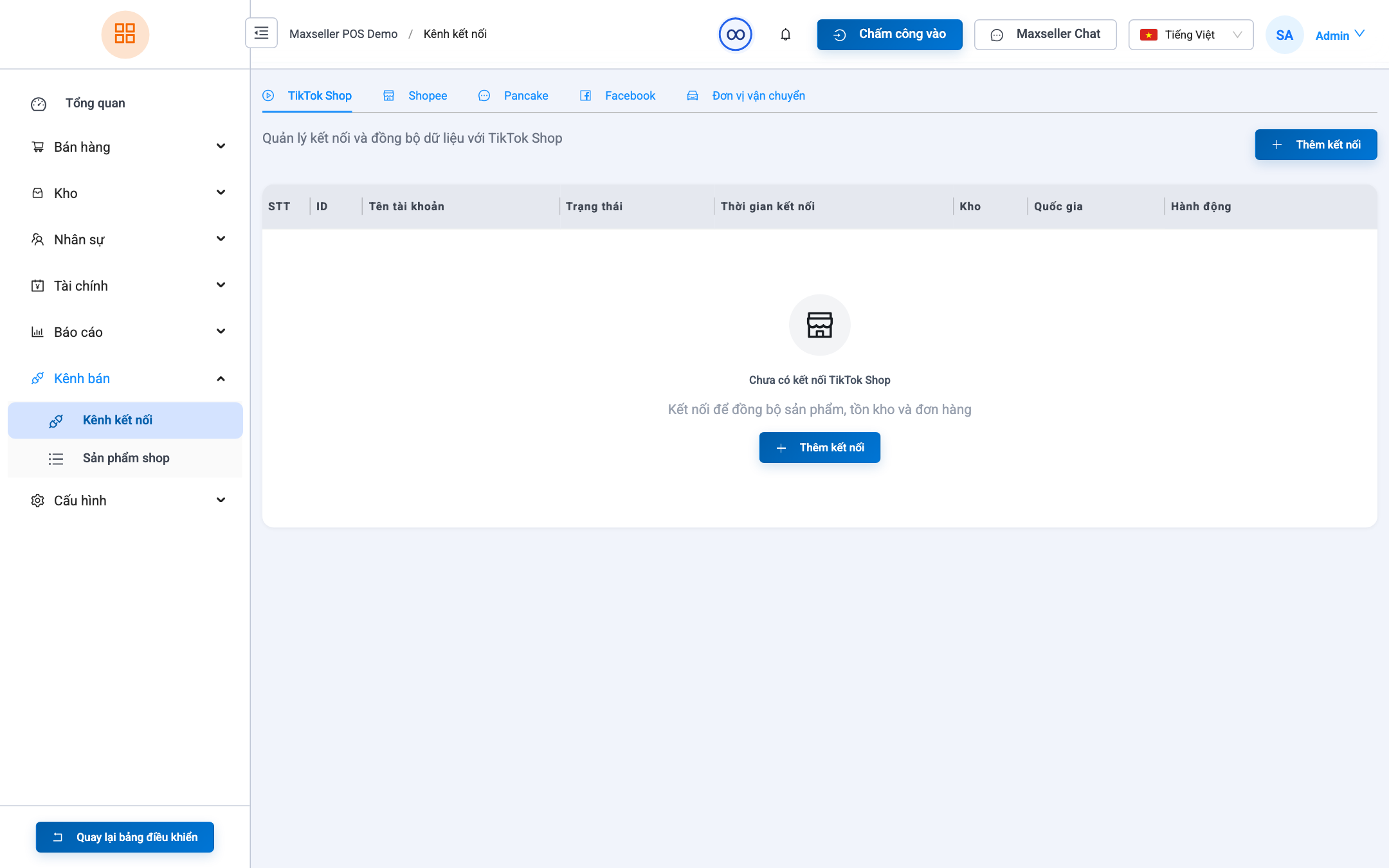
1. Connect Facebook Fanpages (MaxSeller Chat)
- Navigate to Channels or access MaxSeller Chat.
- Click Connect Facebook Fanpage.
- Authorize via Facebook OAuth:
- Log in with a Facebook account holding Admin or Editor privileges on the Page.
- Select the Fanpages you wish to connect.
- Grant permissions for reading messages, managing comments, and sending replies.
- Return to MaxSeller and switch on Enable Message & Comment Sync.
2. Connect TikTok Shop
- Click Connect TikTok Shop.
- Select target region (TikTok Shop Thailand / Southeast Asia).
- Log into TikTok Seller Center and approve integration authorization.
- Select the receiving store and default warehouse on MaxSeller.
- Incoming TikTok orders and shipping updates will sync automatically in real-time.
3. Connect Shopee Stores
- Go to Channels ➔ Select Shopee ➔ Click Add Shopee Store.
- Authorize store permissions via Shopee Open Platform.
- Configure order syncing preferences and stock allocation rules.
- New Shopee orders will stream directly into the MaxSeller Orders queue.