Store Management & Configuration
This guide provides instructions on how to create, configure, and manage retail stores or fulfillment branch networks in MaxSeller.
🛠️ Step-by-Step Operations
1. Create a New Store
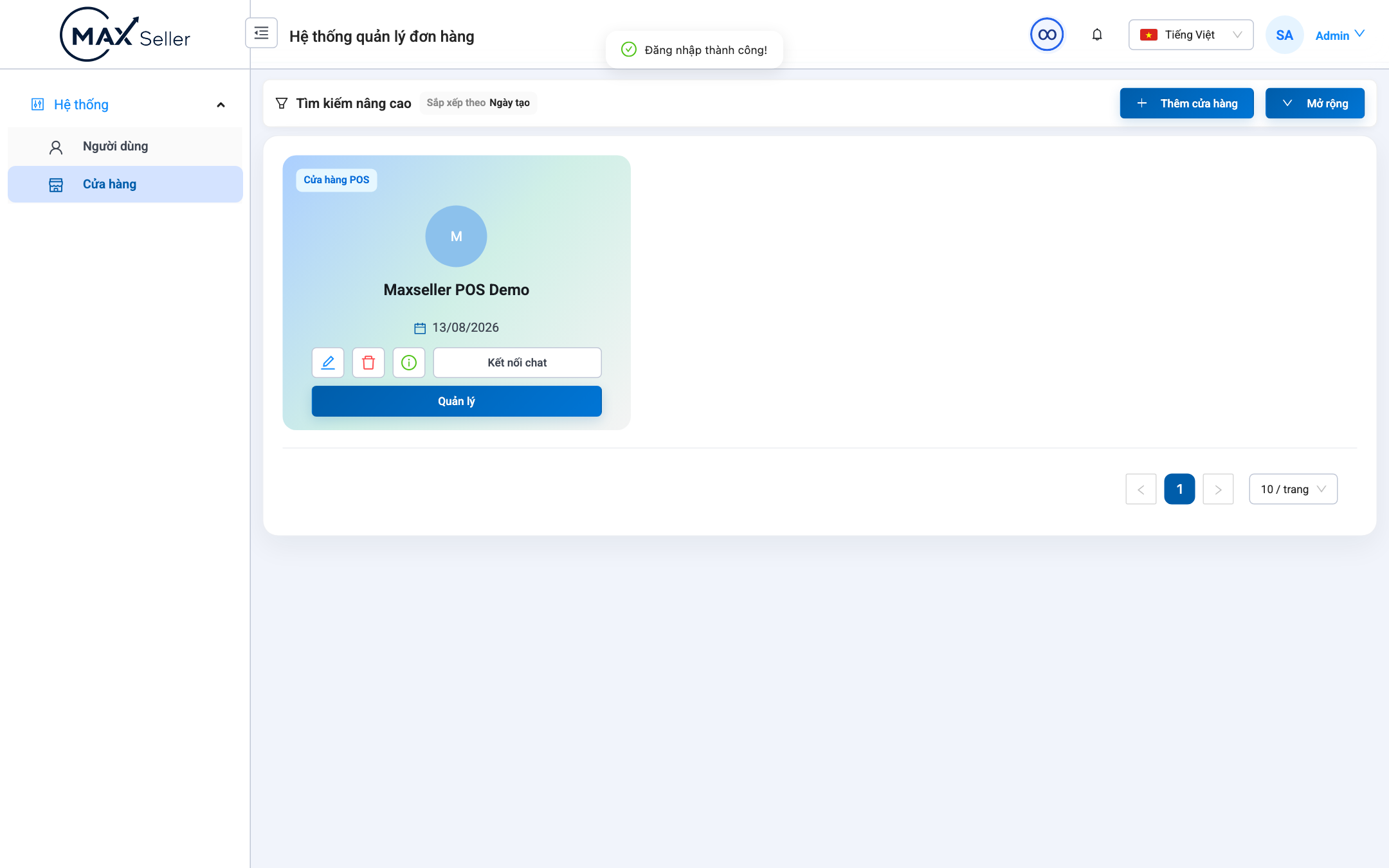
- Log in with an administrator account and navigate to Store Management.
- Click the + Add Store button in the top-right corner.
- Fill in store details:
- Store Name: e.g.,
MaxSeller Flagship Store. - Phone Hotline: Primary contact number for shipping labels.
- Store Address: Default origin pickup address for logistics carriers.
- Store Type: Select
POS Retail StoreorFulfillment Warehouse.
- Store Name: e.g.,
- Click Save to initialize the store.
2. Enter Store Management Console
- In the store listing, click Control (Manage) to access the store's dedicated POS dashboard, product catalog, inventory receipts, and financial reports.