Warehouse Stock Audits & Physical Inventory Reconciliation
Regular inventory audits detect inventory shrinkage, sorting mistakes, and automatically synchronize system figures with physical counts.
1. Four-Step Inventory Audit Workflow
2. Performing a Stock Audit
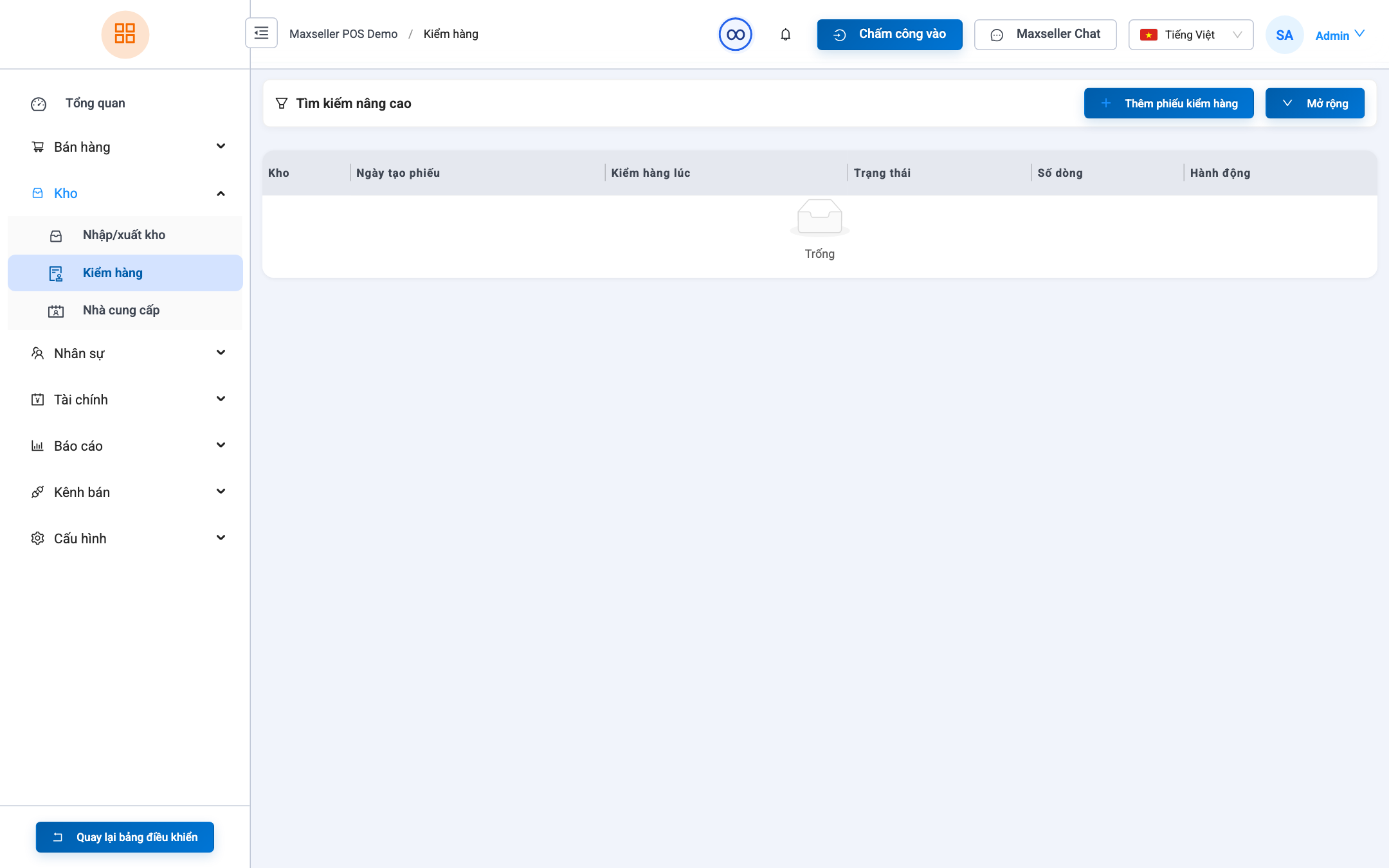
Path: Inventory ➔ Stock Checks (path /stock-checks).
- Click + Create Stock Audit.
- Select the Warehouse to Audit.
- Scan and count items:
- Scan barcodes directly. Each scan increments the physical count by 1.
- Or manually type counted quantities into the Actual Qty column.
- The system calculates Variance (Surplus / Deficit) and Variance Value.
- Record explanations for discrepancies (e.g., Natural shrinkage, Packing error in prior order).
- Click Complete & Reconcile Stock.