Income & Expense Management & Operating Cash Flow
The Operating Cash Flow module enables business owners to monitor all physical receipts, disbursements, and cash/bank balances in real-time.
1. Setting Up Income & Expense Categories
Path: Finance ➔ Cash Flow Categories (path /cash-flow-categories).
Steps to create categories:
- Click + Add New Category.
- Select type: Income or Expense.
- Name the category and assign financial classification (Operating, Investing, Financing).
- Click Save.
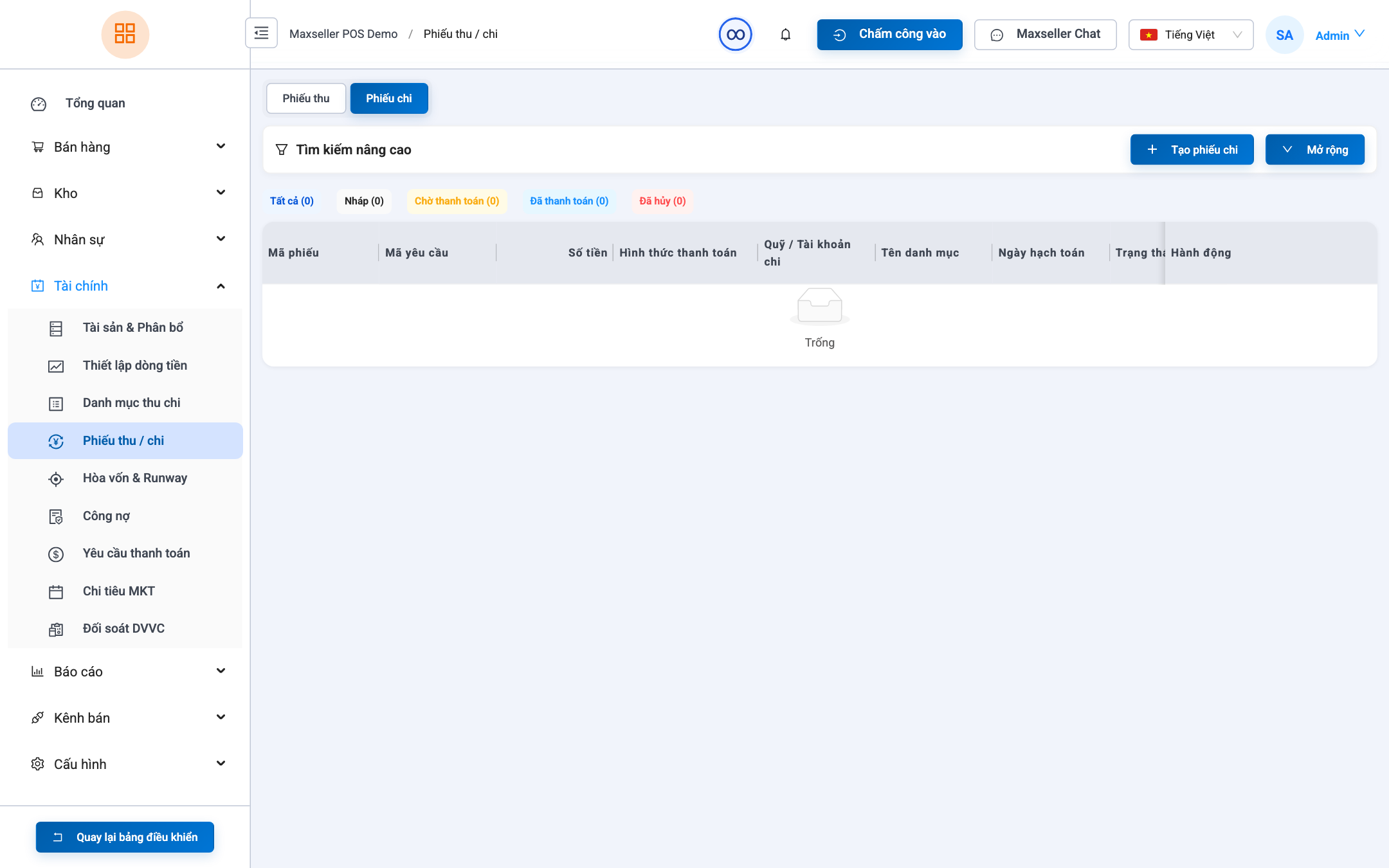
2. Daily Receipts & Payment Vouchers
Path: Finance ➔ Cash Flows (path /cash-flows).
Creating vouchers:
- Click + Create Voucher.
- Select type:
Receipt VoucherorPayment Voucher. - Choose corresponding Category.
- Enter transaction Amount.
- Select Source Account (POS Cash Register, Corporate Checking Account...).
- Record counterparty details, attaching receipt slips if available.
- Click Confirm Transaction.