Supplier Management & Purchase History
Manage vendor contacts, monitor product origins, and track inbound purchase histories systematically.
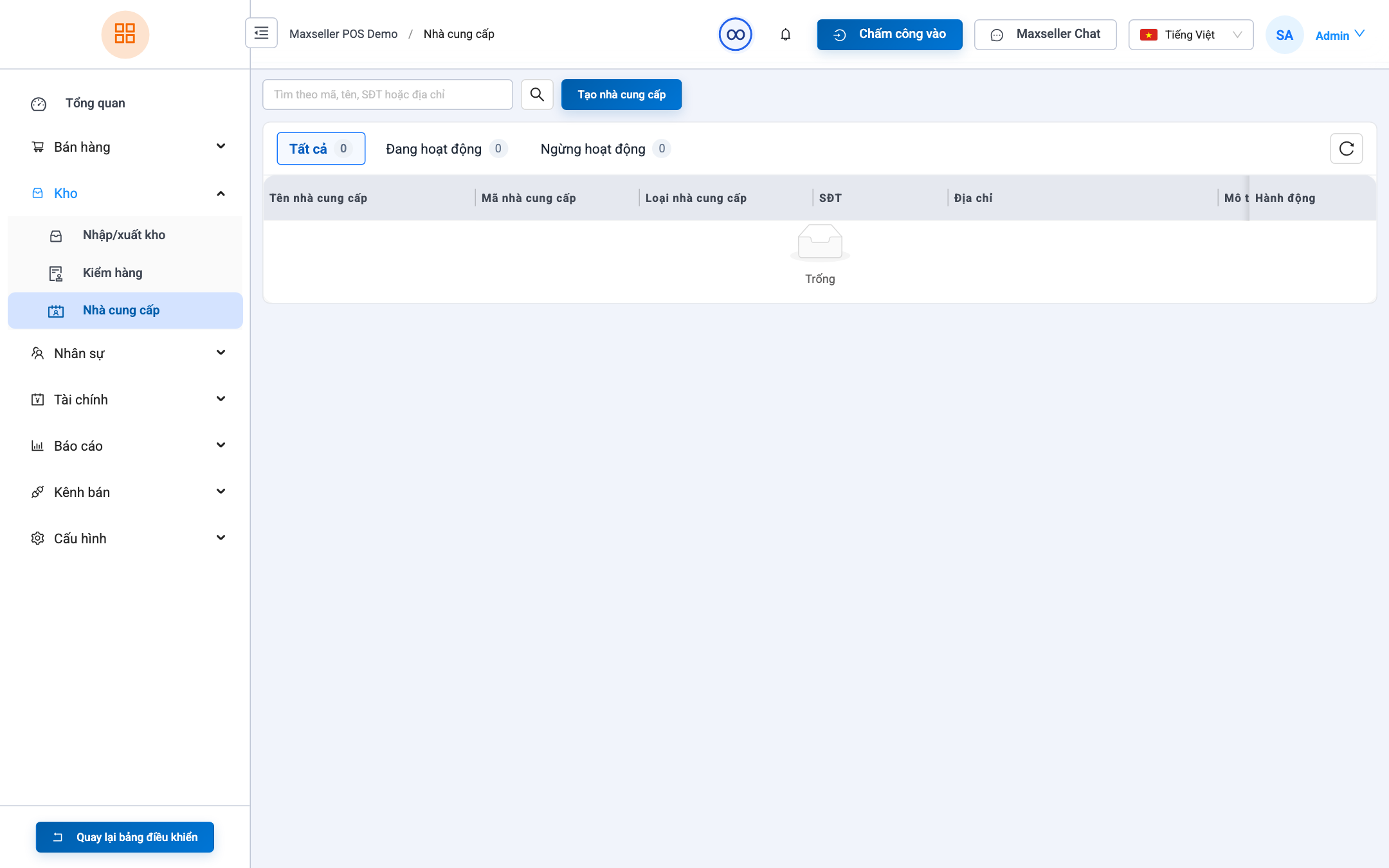
1. Supplier Management Screen
Path: Inventory ➔ Suppliers (path /suppliers).
- View the vendor directory, supplier codes, phone numbers, warehouse addresses, and primary contact persons.
- Quickly inspect total purchase volumes and outstanding accounts payable balances for each vendor.
2. Adding a New Supplier
- Click + Add Supplier.
- Fill in:
- Supplier Name: (e.g., Bangkok Garment Factory, Hanoi Electronics Hub).
- Supplier Code: (e.g., SUP-BKK01).
- Phone, Email, Physical Address.
- Bank Account Details: Bank name, Account number, Beneficiary name for fast wire transfers.
- Click Save Supplier.