Handling Order Cancellations, Returns & Stock Restocking
Rigorous management of order cancellations and returned parcels prevents inventory discrepancies and tracks reverse logistics costs accurately.
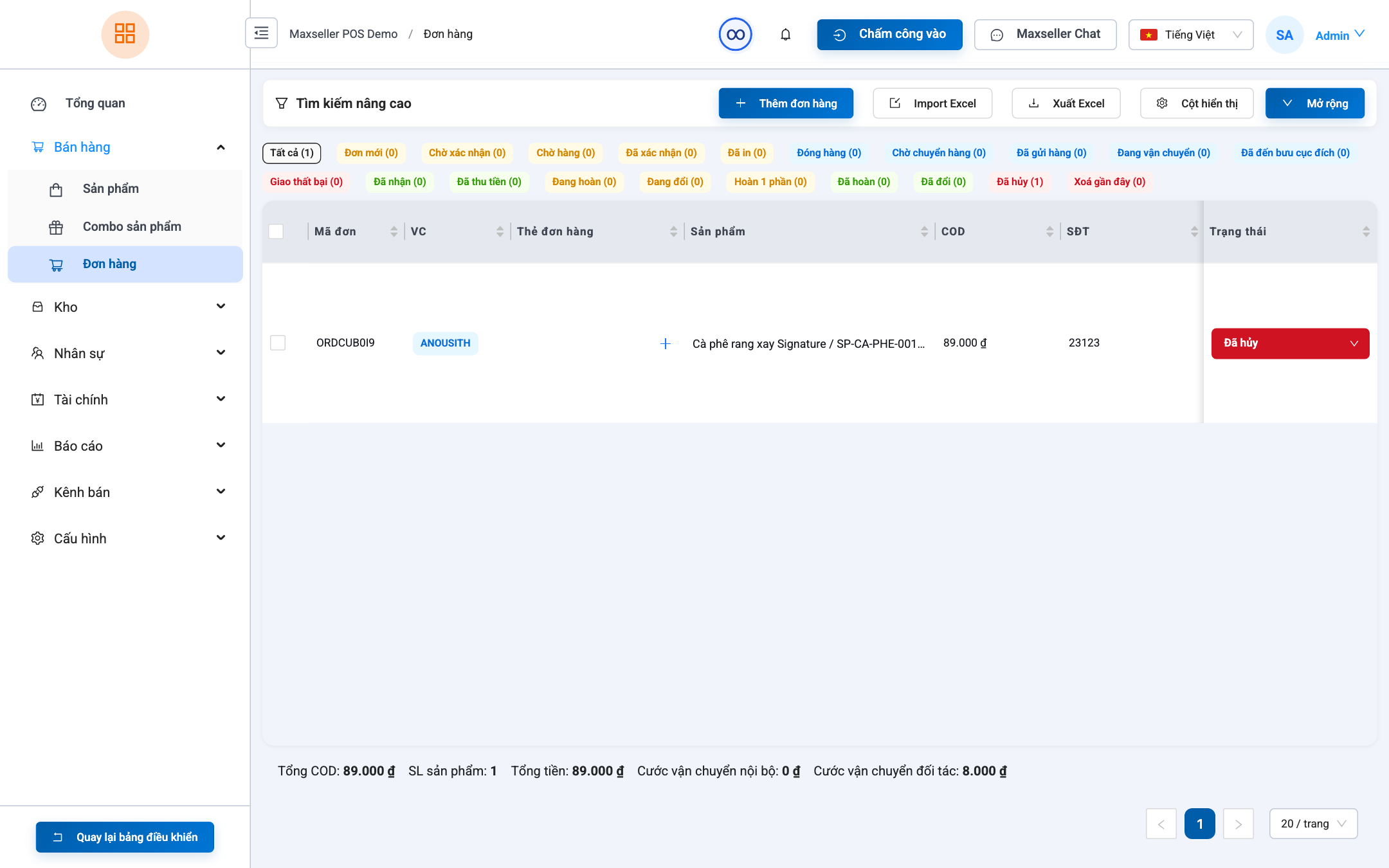
1. Order Cancellations
Eligible Cancellation Windows:
- Order is in
NeworConfirmedstatus (not yet handed over to courier). - Customer cancels or duplicate order detected.
Cancellation Steps:
- Open the target order details.
- Click Cancel Order.
- Select cancellation reason (e.g., Customer changed mind, Unreachable, Out of stock, Duplicate order).
- The system immediately releases reserved stock back into available inventory.
2. Returned Parcel Processing (Returns Workflow)
Operational Steps in System:
- Go to Sales ➔ Order List ➔ Filter by
Returningstatus. - Scan the tracking number on the returned parcel.
- Upon matching the order record:
- If goods are intact: Click Confirm Restock. Inventory is credited back automatically.
- If goods are damaged during transit: Create a Defective Write-off receipt and file an insurance claim with the carrier.